
You saved photos and videos from WhatsApp chats, or copied a phone backup, and they all show the wrong date, often the day you copied them, so they pile up in the wrong place in Photos, Lightroom or the Finder. You want each file to carry a sensible date again, for a whole folder at once.
Do it in Parergon
- 01
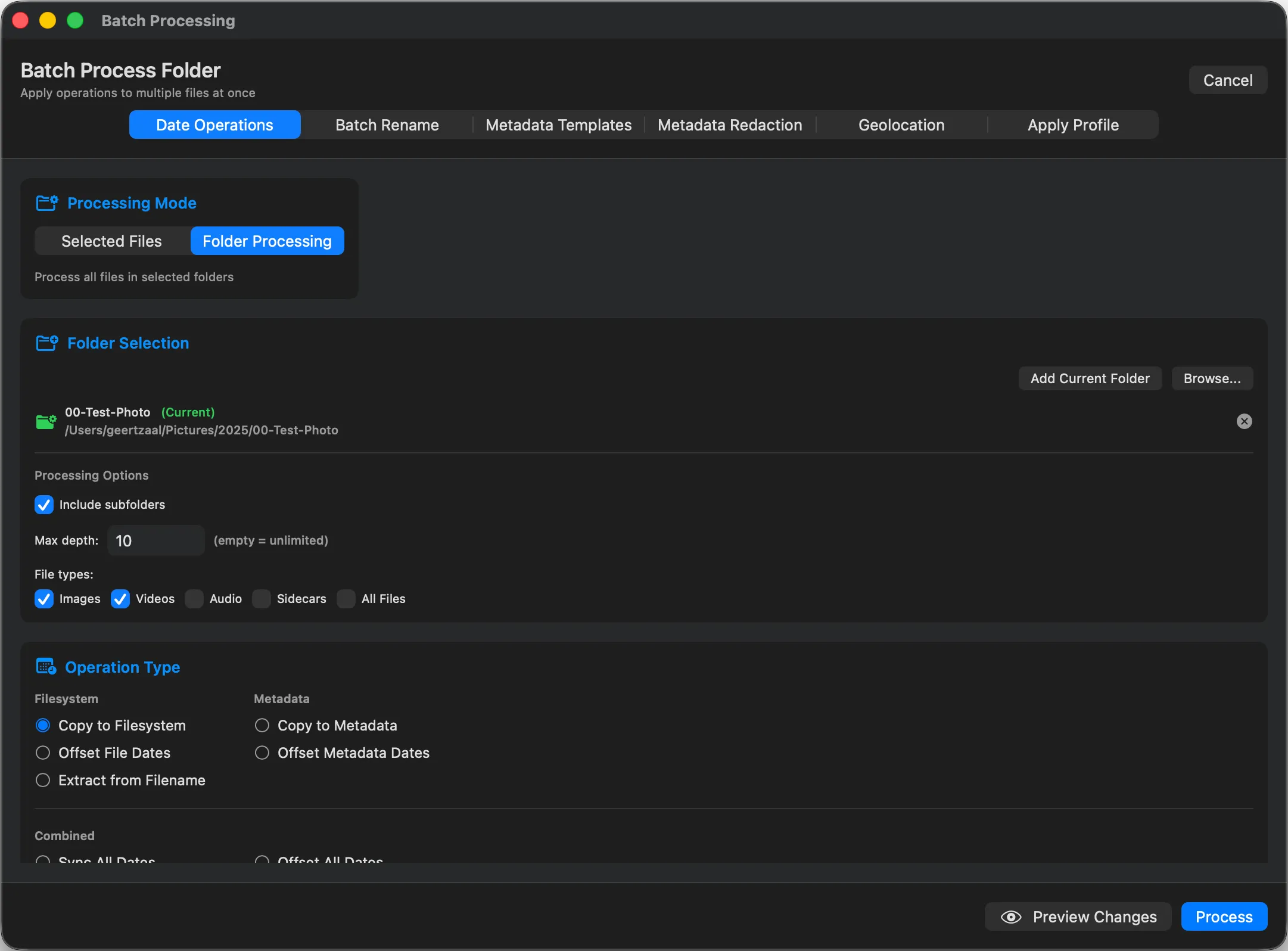
Choose Read dates from filenames
Select the files and open Batch Process (⇧⌘B) ▸ Date Operations. Under Common Scenarios, choose Read dates from filenames. It recognises WhatsApp names such as IMG-20240317-WA0012 and VID-20240317-WA0003, and most names that contain a date written as 2024-03-17 or 20240317.
- 02
Pick a time and where to write
WhatsApp names carry a date but no time, so choose the time to use: noon by default, midnight, or the time already in the file when there is one. Then choose where the date goes: EXIF (which also covers the QuickTime dates of videos), XMP, IPTC and the file’s own dates. The preview shows how many files match and how many will be skipped.
- 03
Process the batch
Running the batch is part of Parergon Pro; the preview is free. To fix a single photo, set Date Created in the Info panel’s Editor tab instead, which counts as one of the free tier’s five daily edits.
The date in a WhatsApp file name is the day the file was sent or received, which is usually, but not always, the day it was taken. A photo forwarded months later gets the later date.
Why this happens
WhatsApp removes the camera metadata, including the date taken and the location, from photos sent the normal way. On Android it names each received file after the day it arrived, and when the files are copied to a Mac, their file dates become the day of the copy.
With no capture date inside, Photos, Lightroom and the Finder fall back to the file’s own dates, so a year of chat photos can land on the single day you copied them. The date in the name is the best record left.
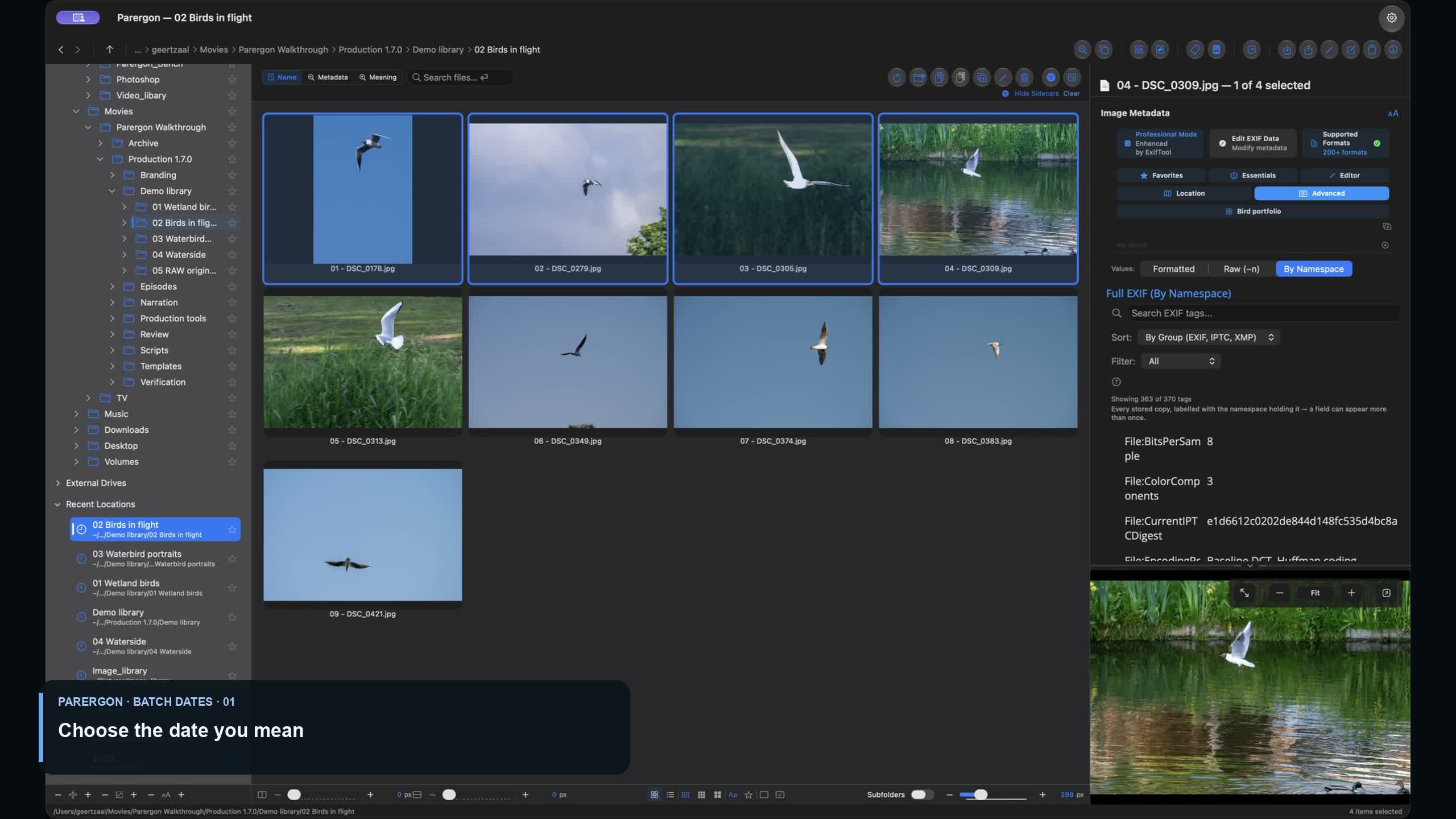
Video walkthrough · 3:05 · English captions
Correct Photo Capture Dates in a Batch
Correct the capture dates of a batch of photos in Date Operations.
Scheduled for 07 October at 17:00 Amsterdam time.
Playing loads YouTube's privacy-enhanced player. YouTube receives your connection details when you load it. About video privacy.
Other ways to do it on a Mac
- Apple Photos
-
For photos already in your library, Image ▸ Adjust Date and Time sets the date of one photo or shifts a selection. The change stays in the library; the files keep their old dates.
- ExifTool (free, Terminal)
-
Reading the date straight from the name goes wrong here: ExifTool takes the WA counter as a time, so IMG-20240317-WA0012 becomes 00:12. This command takes only the date and sets noon, for every WhatsApp photo in a folder.
exiftool -ext jpg -if '$FileName =~ /-WA\d+/' '-AllDates<${FileName;m/(\d{8})-WA/;$_=$1} 12:00:00' folder/
Questions
Does WhatsApp keep the date if I send a photo as a document?
Yes. Sending a photo as a document sends the original file, with its date, location and other metadata intact. That also means the location goes along, so check before you send.
What about photos saved from Messenger?
Messenger names saved photos with a number, such as received_ followed by digits, with no date in it, so there is nothing to read. Use the date from the conversation with Set Absolute Date, or the Date Created field for a single photo.
Can I fix WhatsApp videos too?
Yes. Names such as VID-20240317-WA0003 are recognised, and with EXIF ticked Parergon writes the QuickTime dates in MP4 and MOV files as well. Check one clip in the app you use before you fix a whole folder.
Which other file names does it read?
Most names that include a date: Android camera names such as IMG_20240317_184205, macOS screenshots (Screenshot 2024-03-17 at 18.42.05), and names with a date written as 2024-03-17 or 20240317. Android camera names and screenshots give the time too; other names, including those from WhatsApp on the desktop, give the date, and the time you choose fills in the rest.

See the complete workflow: Fix broken photo and scan dates →
Go deeper: Edit a photo’s date on Mac.