MetaScope 1.5: The Intelligence Release
MetaScope 1.5 brings on-device image analysis to your Mac: private keyword suggestions, drafted photo descriptions, and text recognition, written to standard metadata.
A new name · MetaScope is becoming Parergon Read more
 Parergon
 Journal · 23 articles
Guides, workflows and the thinking behind each release, for anyone who looks after a photo library.
Subscribe via RSS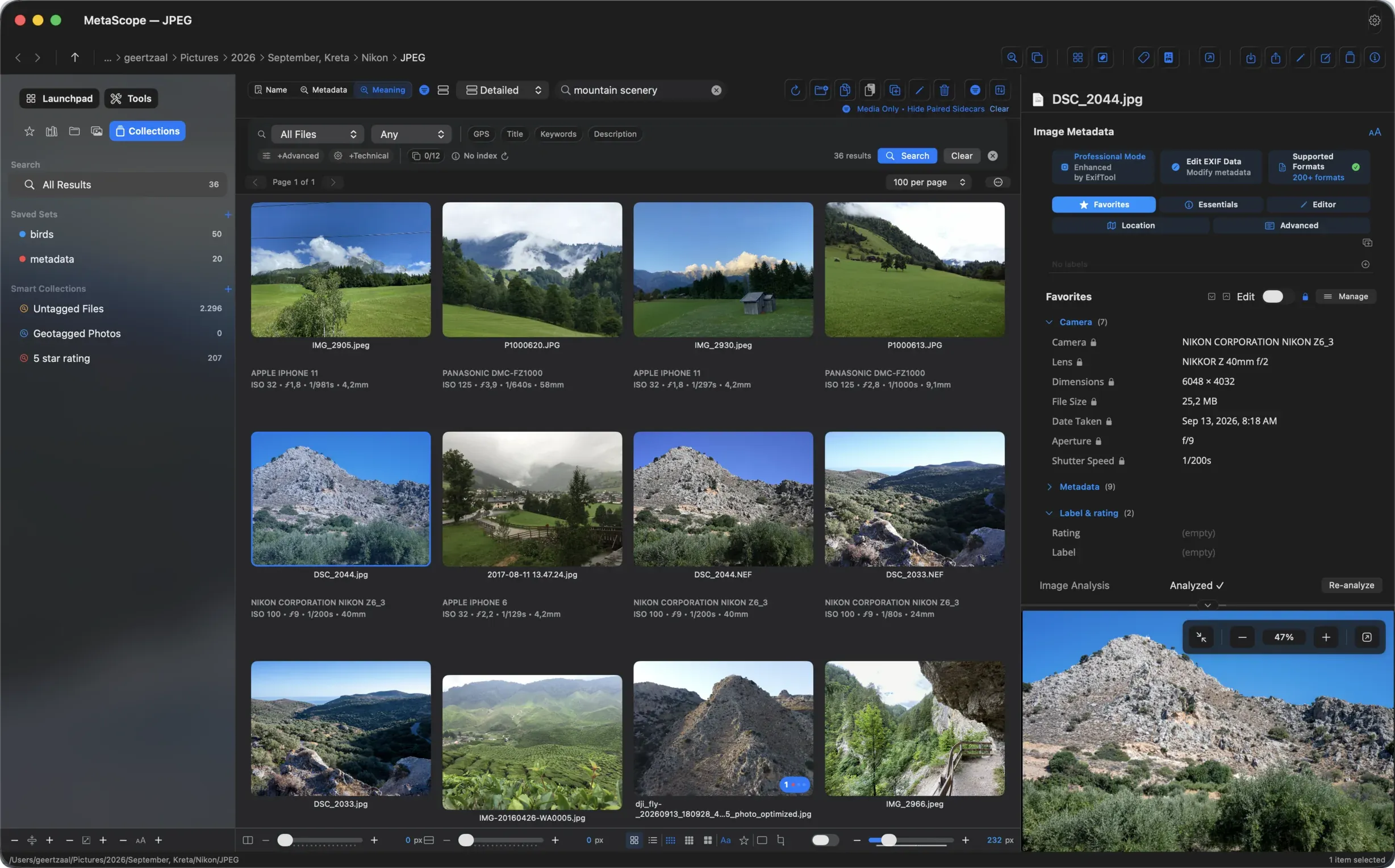
MetaScope 1.6 connects visual search, review-first writing and metadata integrity so the photographs you find remain trustworthy and portable.
Read the article →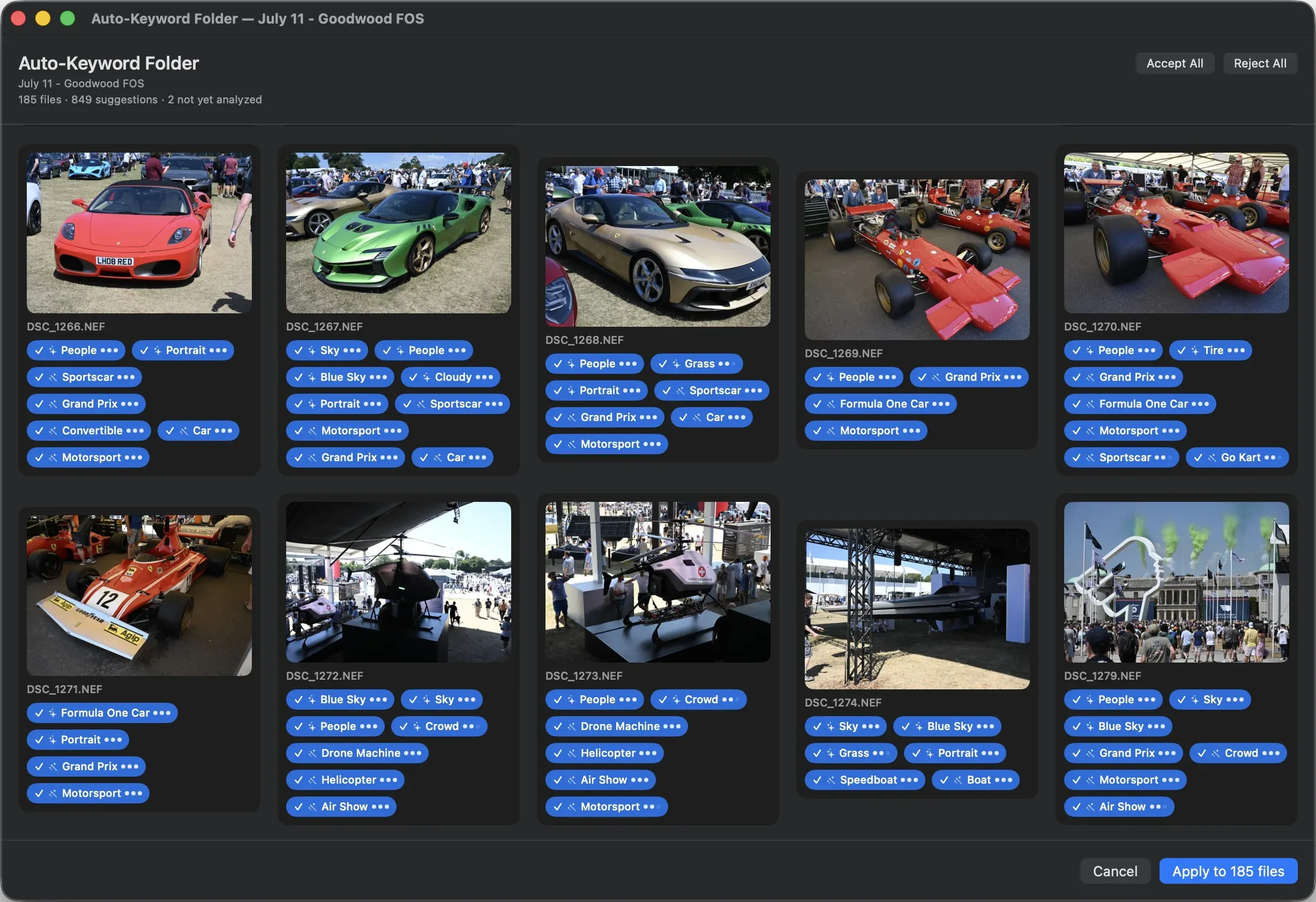
MetaScope 1.5 brings on-device image analysis to your Mac: private keyword suggestions, drafted photo descriptions, and text recognition, written to standard metadata.
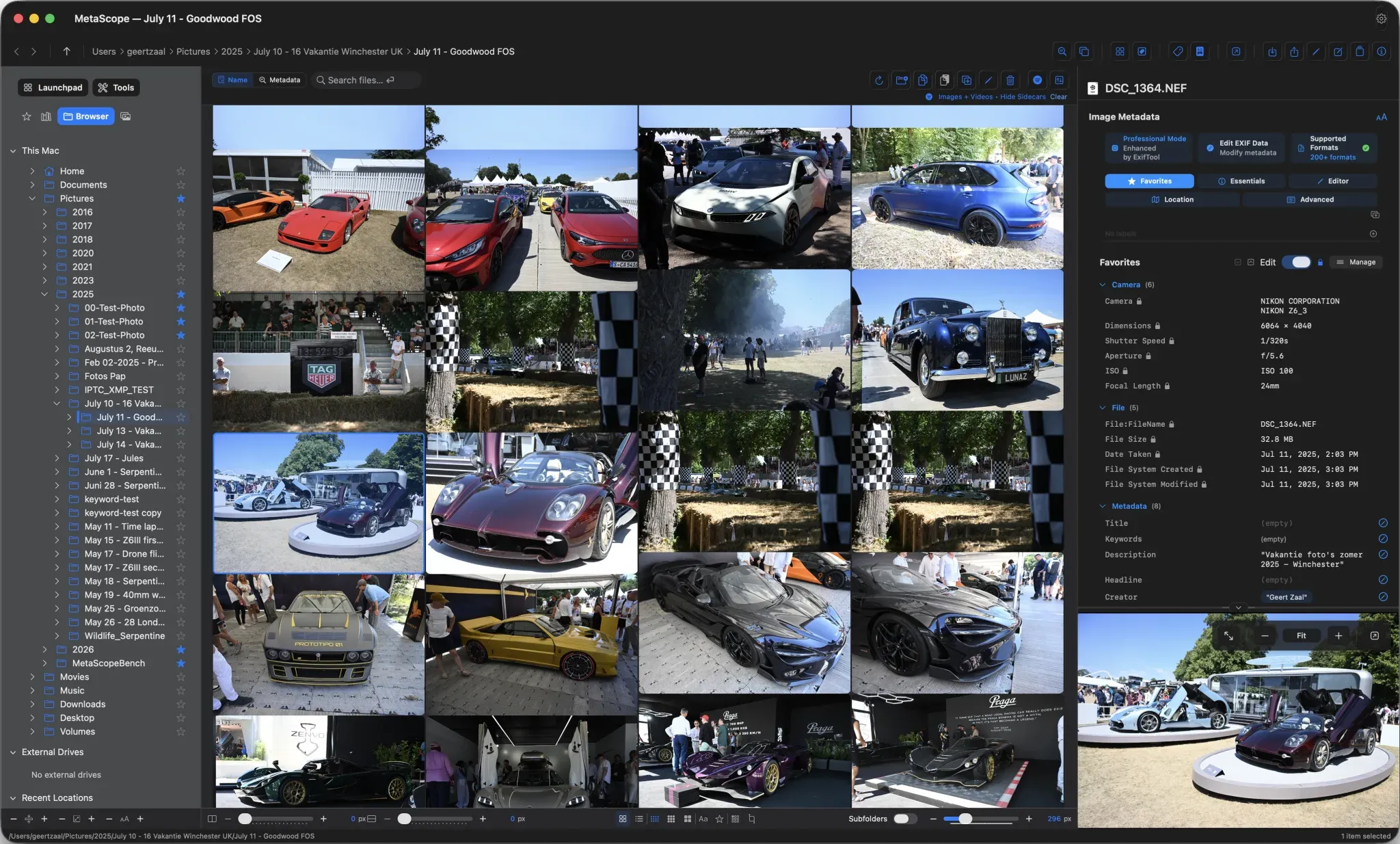
MetaScope 1.4.0 rebuilds the app around a four-tab sidebar, a unified Keyword Workbench, masonry grids, a configurable Launchpad, and per-window controls.
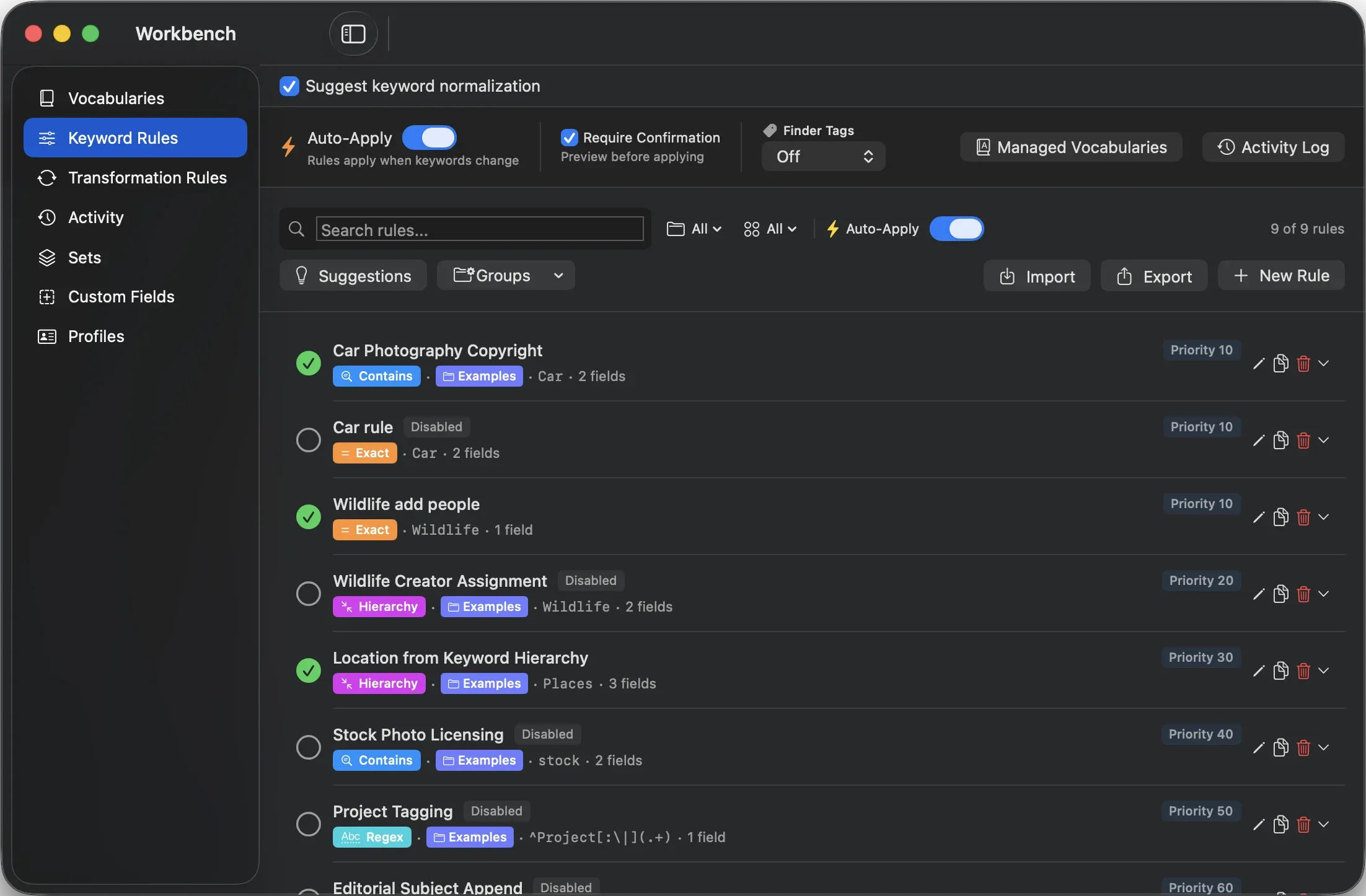
MetaScope v1.4.0 unifies vocabularies, rules, custom fields, and profiles in one Keyword Workbench, with a Keyword Inspector and cross-image keyword operations.
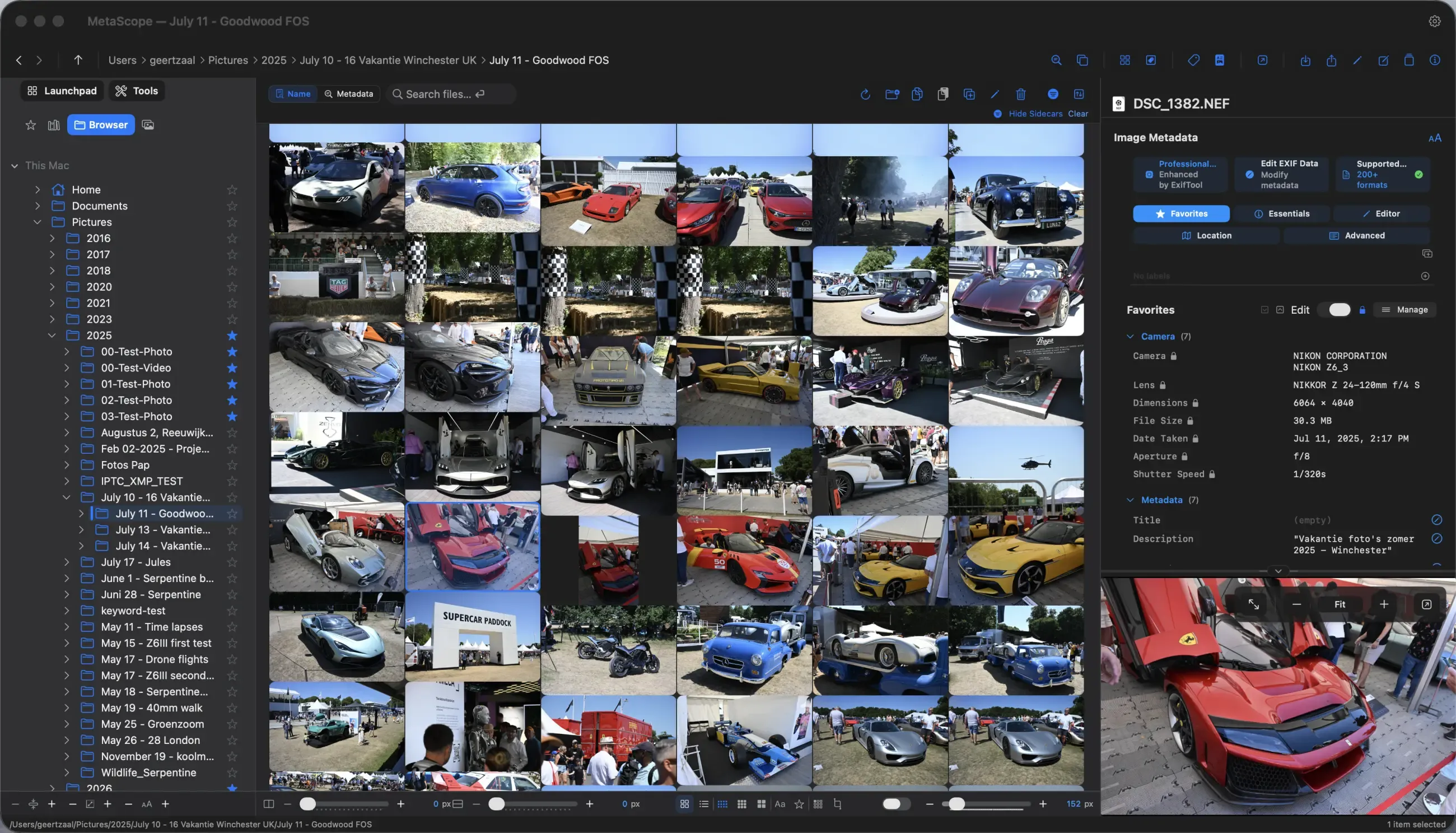
MetaScope v1.4.0 adds a Masonry layout, larger 2048 px thumbnails, footer controls, and per-window display, so each window can adapt to the task at hand.
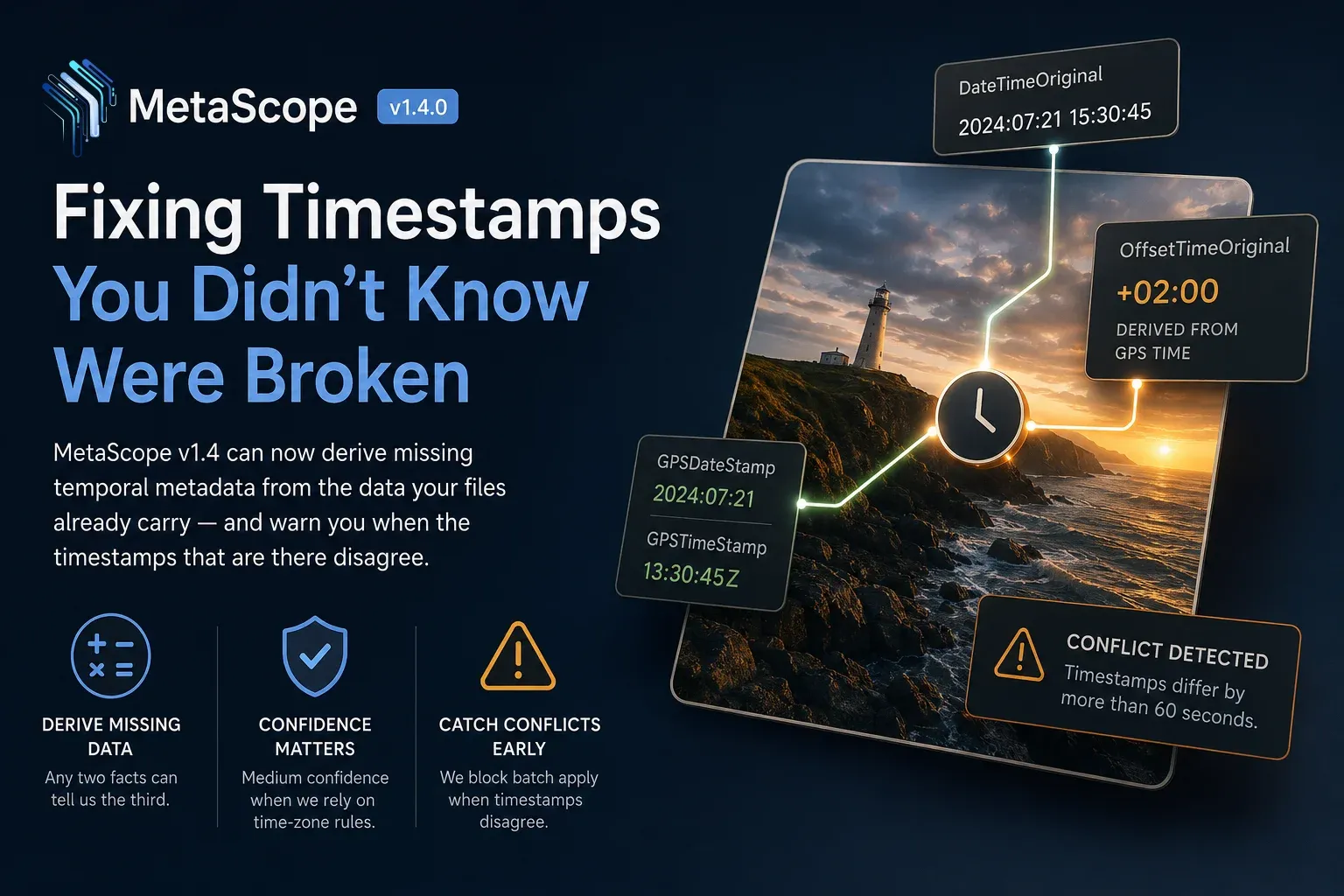
MetaScope v1.4.0 derives missing photo timestamps from the values already in your files, infers offsets from GPS, and flags conflicts before batch apply.
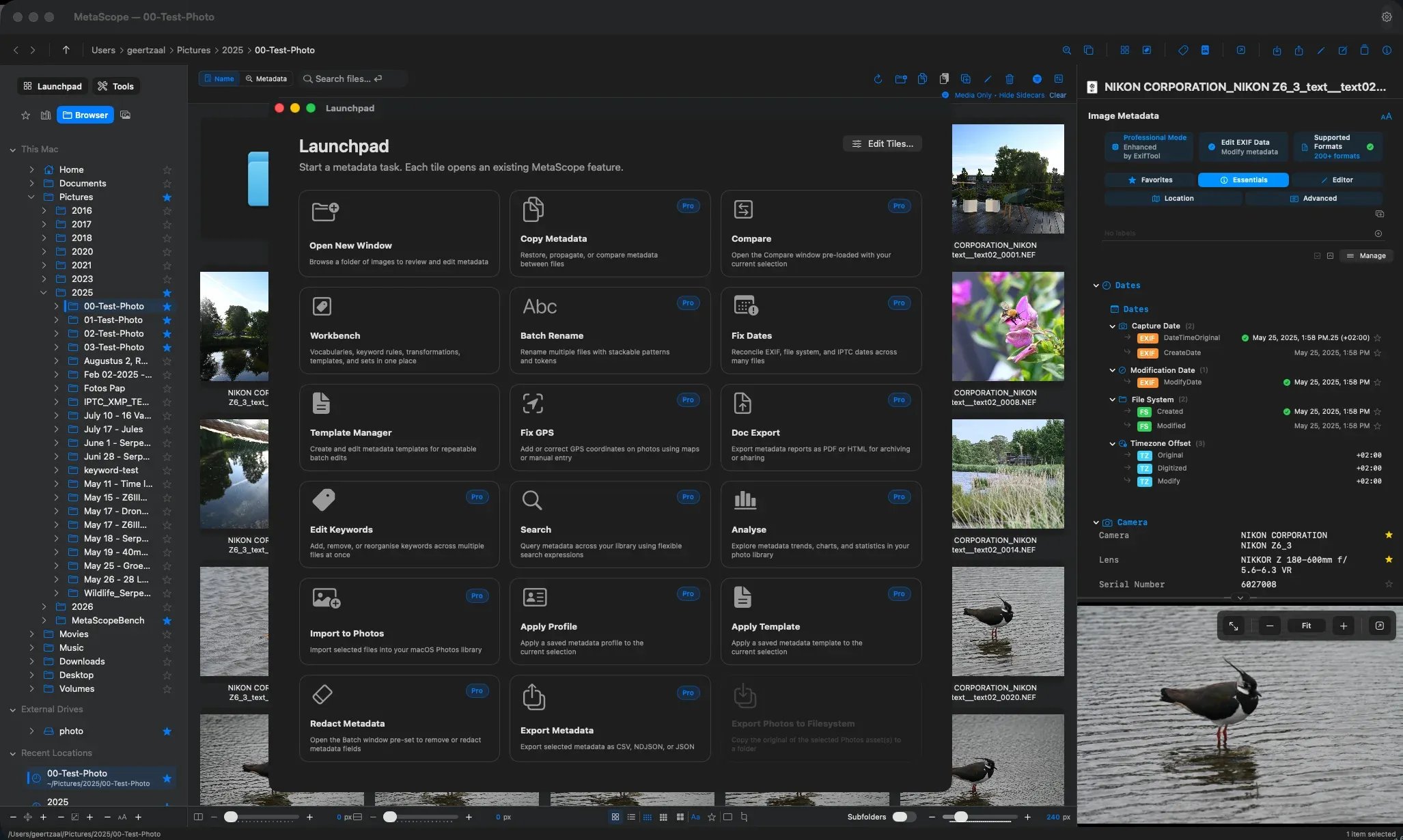
MetaScope v1.4.0 rebuilds the app around two starting points: a location-first sidebar and a task-first, configurable Launchpad for your metadata work.
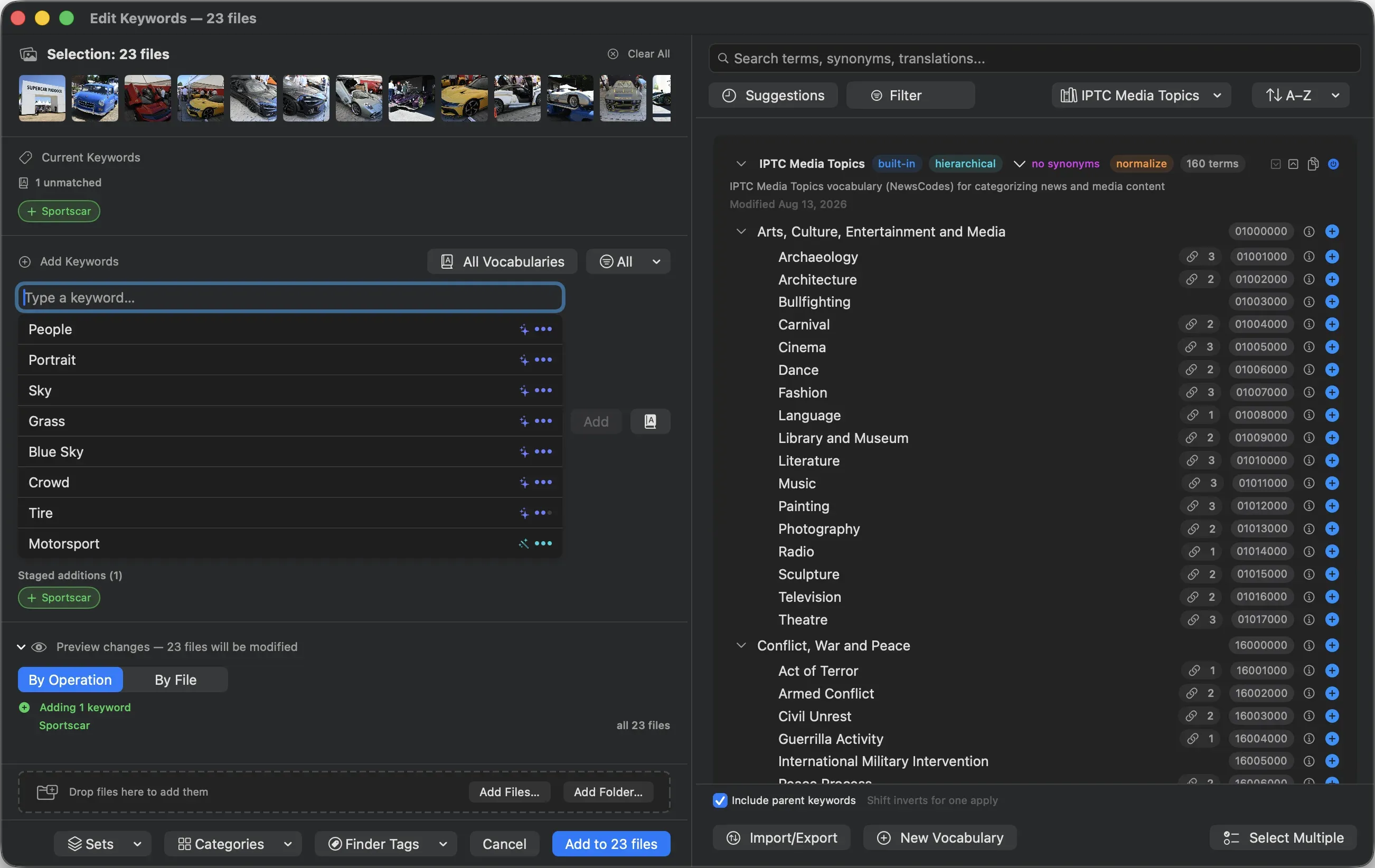
MetaScope v1.3.0 delivers batch keyword editing, portable synonyms, synonym-aware search, and a hardened keyword rules engine, transforming MetaScope into a serious primary keywording tool.
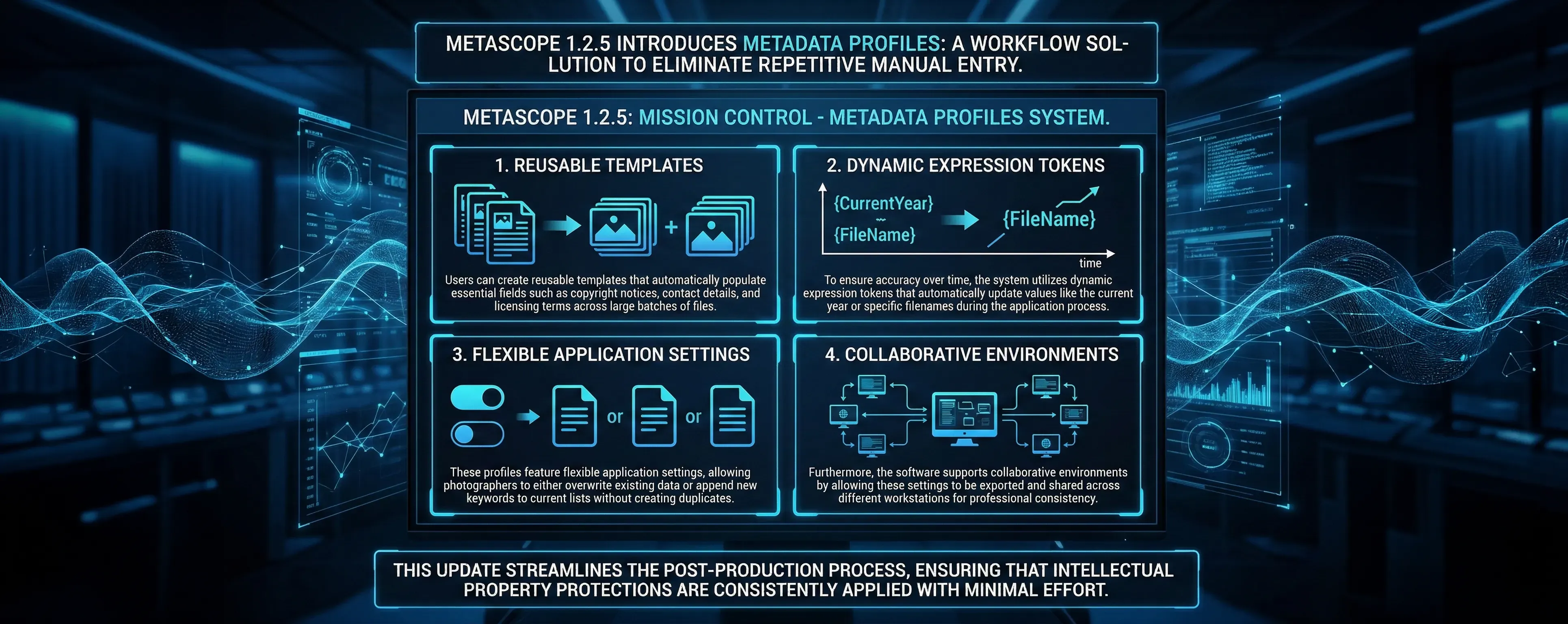
Parergon's Metadata Profiles are reusable templates with dynamic tokens that stamp copyright, contact, and job metadata across your library.

Parergon's controlled vocabularies bring 600+ IPTC terms, intelligent suggestions, Finder sync, and CSV/JSON import for consistent keywords.

Power-user date operations for complex scenarios. Set absolute dates, extract from filenames, auto-fix inconsistencies, interpolate missing dates, and scrub metadata for privacy.

Parergon's stackable batch rename uses powerful rules that build on each other. Learn to create custom naming conventions with nine rule types, presets, and live preview.

Deep dive into advanced batch rename techniques. Create custom rule stacks, use regex patterns, extract metadata, and handle naming conflicts like a pro.

A four-part series covering everything from basic filesystem fixes to advanced video timezone correction. Master all 14 date operations in Parergon.
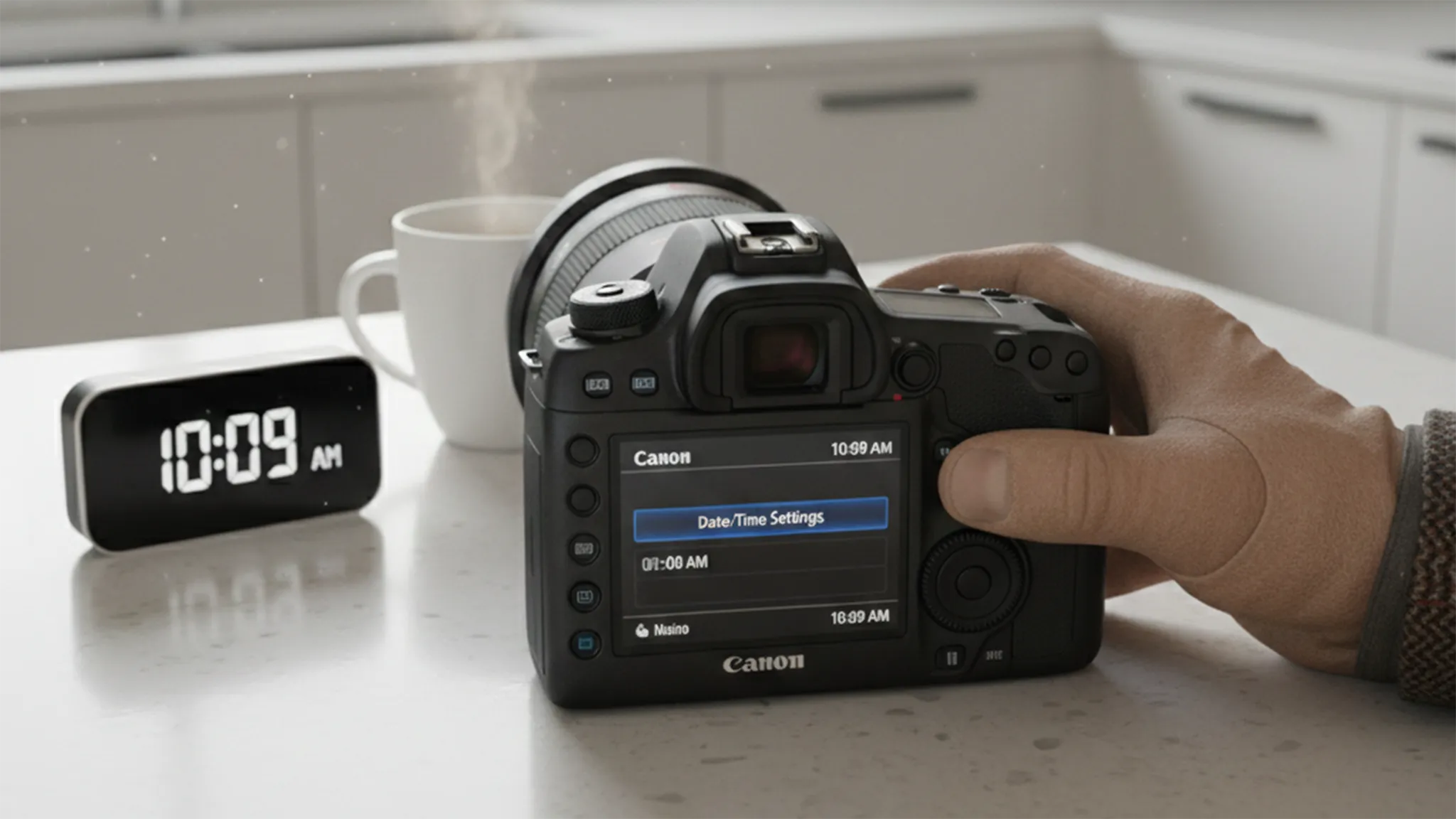
The foundational date operations every photographer needs. Learn to restore corrupted filesystem dates from EXIF metadata and shift dates by fixed amounts for scanned photos.

Fix embedded metadata timestamps directly. Learn to offset EXIF/XMP/IPTC dates, synchronize all date standards, and resolve timezone errors.

Parergon's Transformation Rules are a powerful automation engine for batch metadata operations. Define once, apply anywhere with live preview.

Full QuickTime metadata support for video files, timezone offset correction, and visual date inconsistency validation. The final piece of complete date management.

How to view, analyze, and export metadata from your iCloud Photos library without leaving the Apple ecosystem.
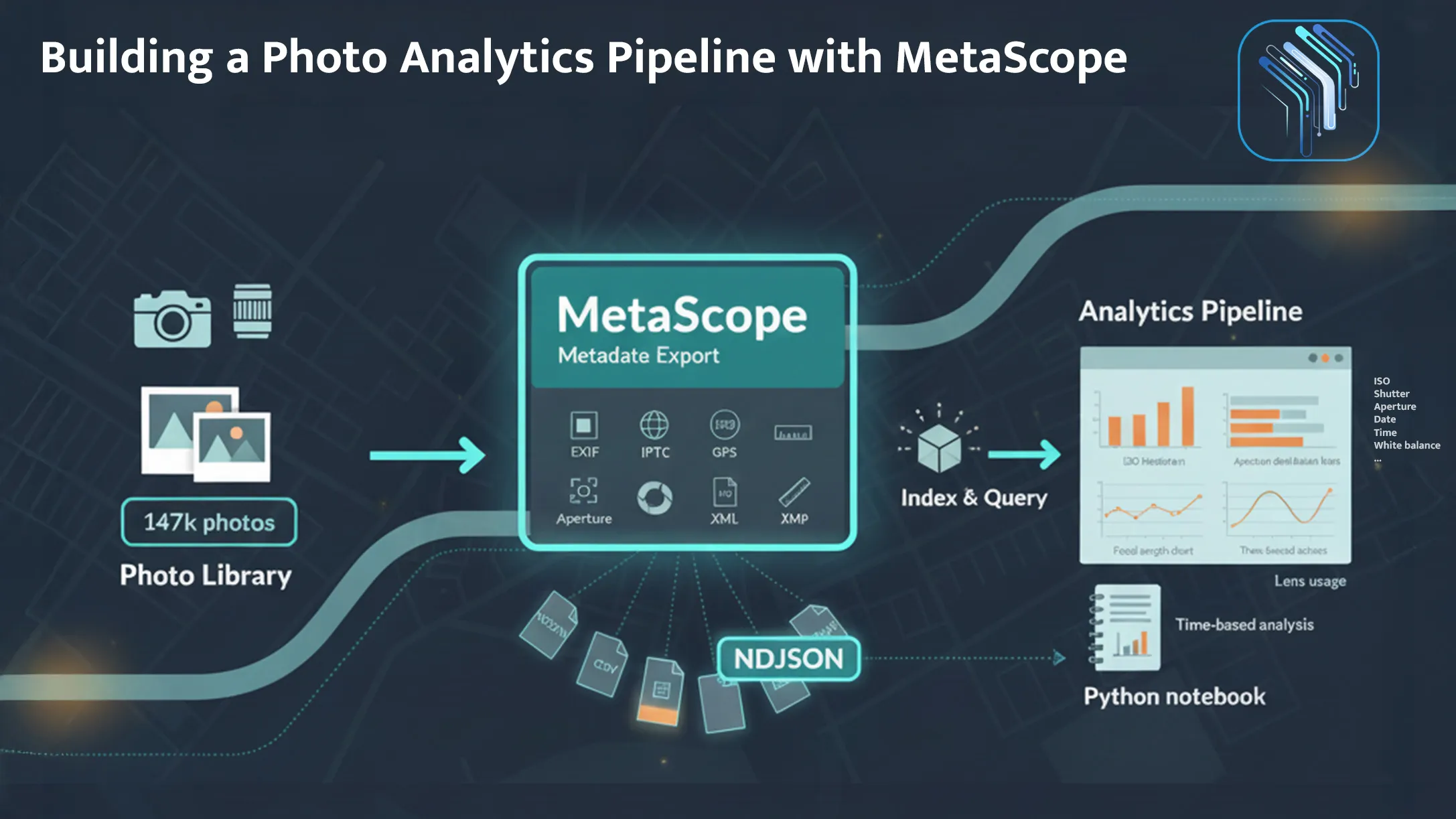
Export your metadata to Elasticsearch, analyze shooting patterns in Python, and discover what your data reveals about your photography.
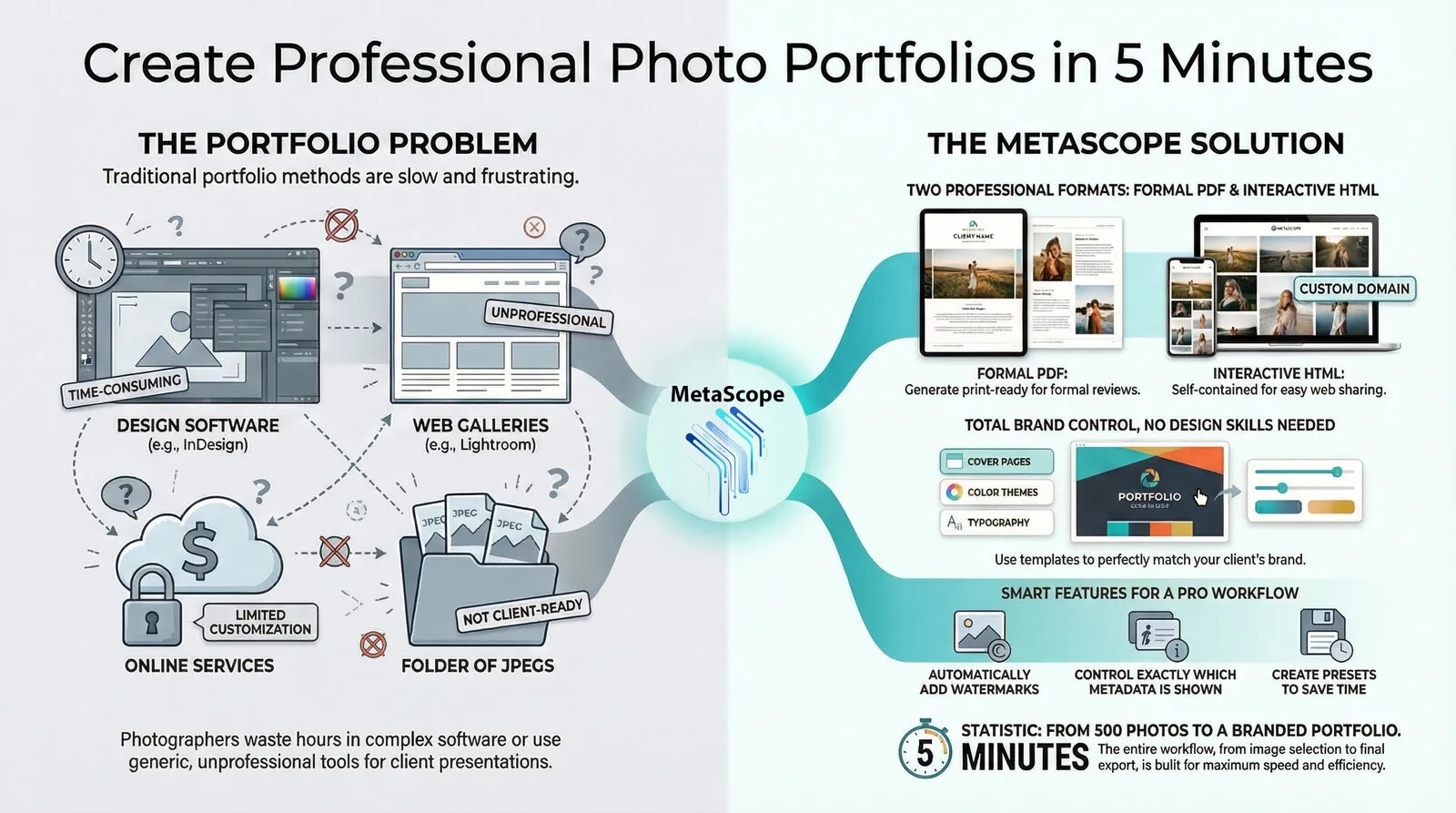
Parergon turns a tight selection into a branded PDF or self-contained HTML gallery in minutes, without asking you to become a part-time layout designer.

Templates, keyword automation, and smart favorites for managing thousands of images consistently. A complete guide for digital asset managers, archivists, and stock photographers.

Your photo timeline is a mess. Here's how Parergon's batch date operations can fix decades of corrupted timestamps in one afternoon.